Intermediate · 8 min
Importing into Unity and Unreal
Presets, scale and materials explained.
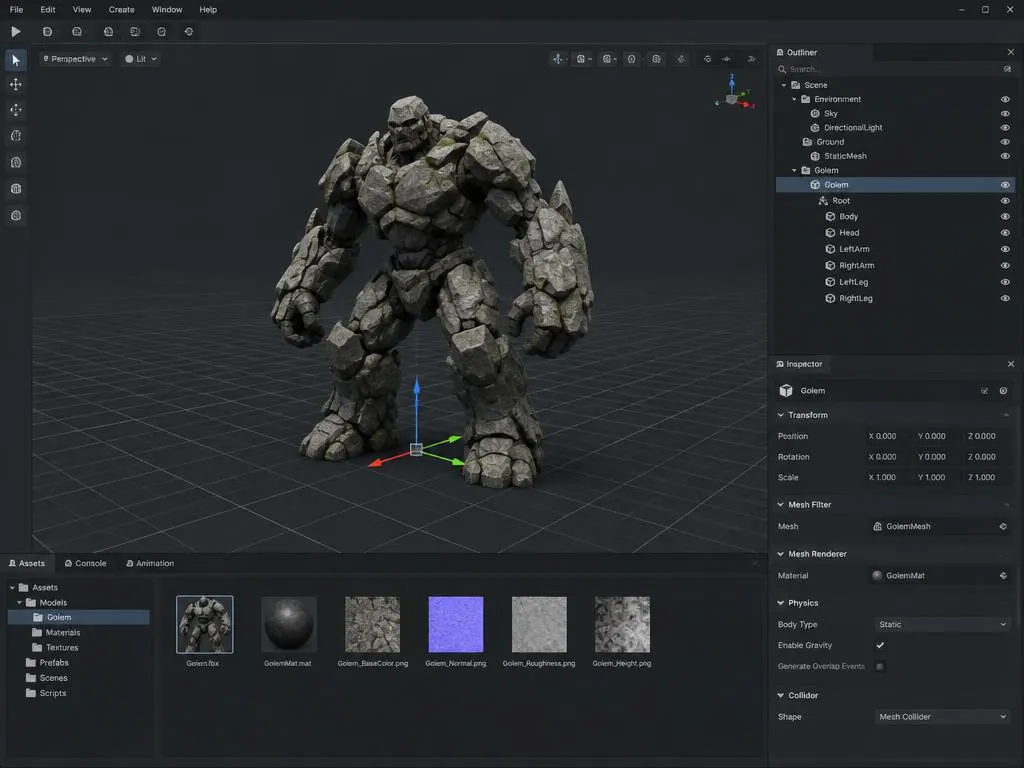
Unity
- Download the Unity FBX preset
- Drag into Assets; scale is set to 1 unit = 1 metre
- Assign the extracted textures to a Lit material
Unreal
- Download the Unreal FBX preset
- Import with 'Combine meshes' on
- Use the ORM packing plan to wire occlusion, roughness and metal into one texture
Godot and web: use GLB, which keeps materials in one file.
Forge your first asset
Try a generation free, no account needed.