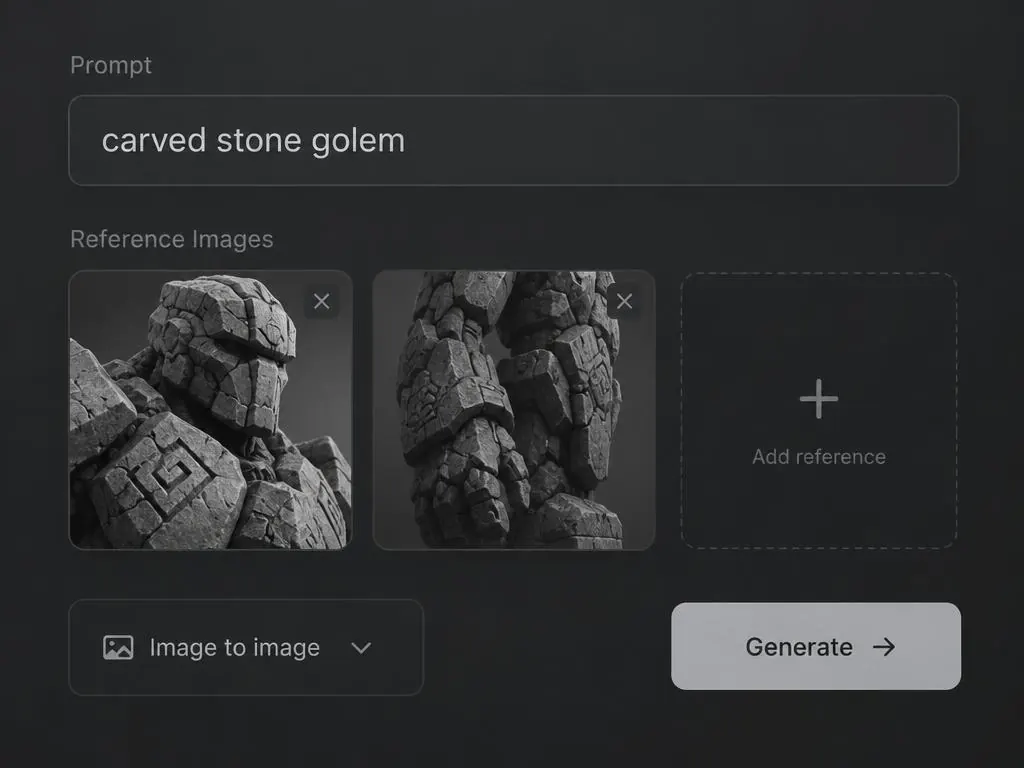
Describe it
A prompt, a sketch or a few reference images.
Meet AssetForge 3D
Type a prompt or drop a reference. Get an engine-ready mesh with PBR materials in about 90 seconds.
Describe what you want. No account needed.
A prompt, a sketch or a few reference images.
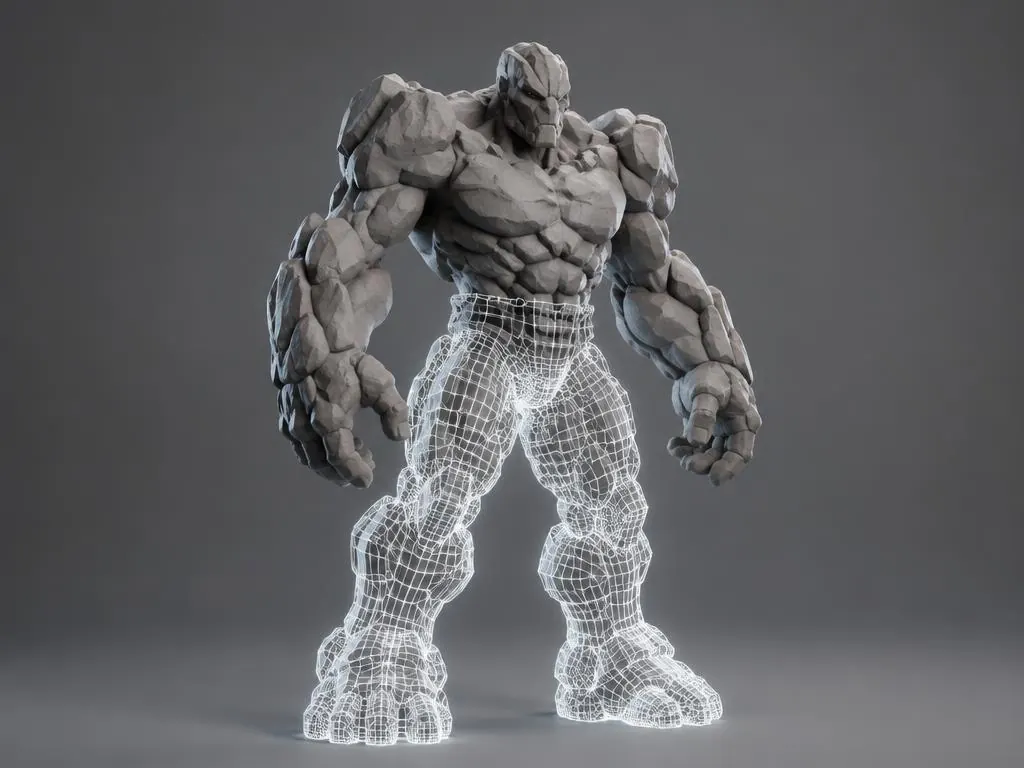
Five engines, one panel. First look in seconds.
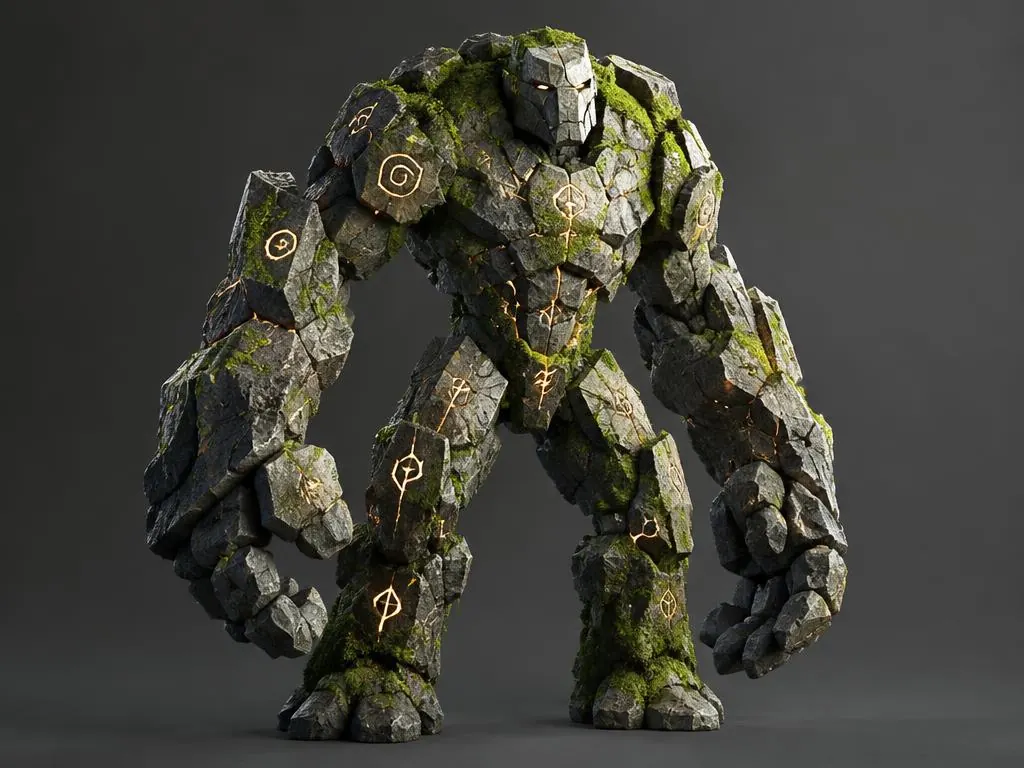
PBR textures, smoothing and targeted fixes.
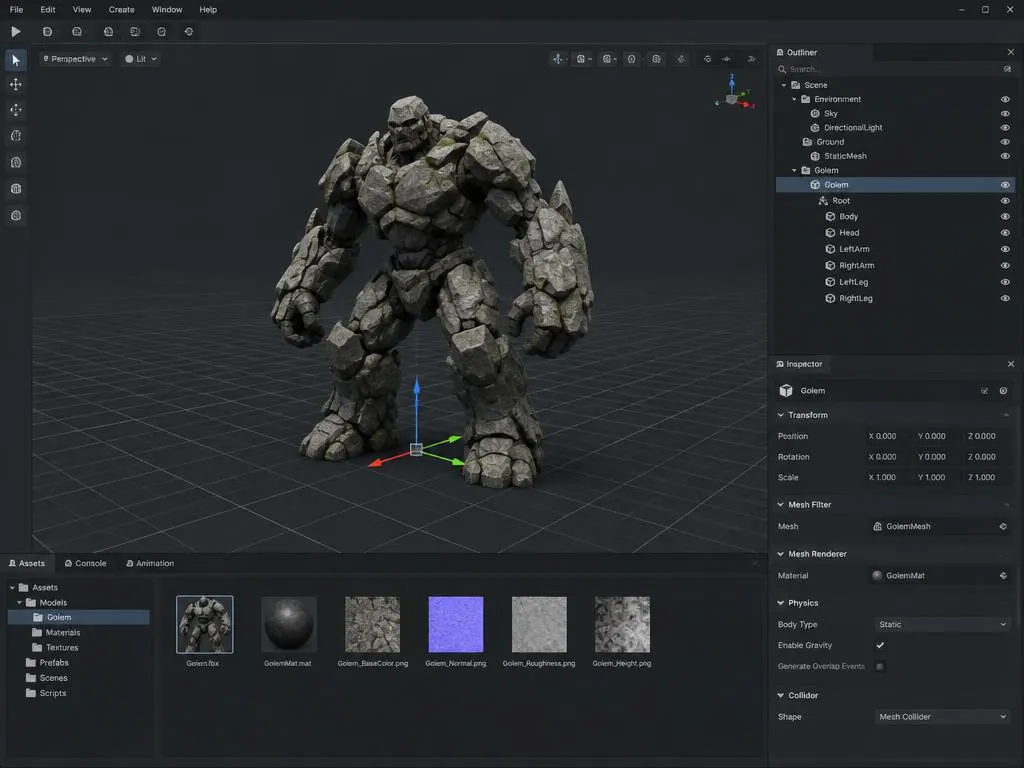
GLB, FBX, OBJ, USDZ for Unity, Unreal and Blender.
Start from a category or type anything.
Pick the model that fits the asset. Switch any time.
Hard-surface detail with clean topology.
Use engineQuick image-to-3D with packed materials.
Use engineFull PBR maps, including normals.
Use engineDrafts in seconds for blockouts.
Use engineBuilt-in AI. No 3D generator needed.
Use engineThe workspace
This is the real workspace. Describe an asset, watch each pass get reviewed and improved, then find it in your library, ready to share or export.
Brief
Ready
Pass 1 · 5.0/10
Reads as a box with a rounded lid.
Pass 2 · 8.0/10
Clear treasure chest blockout.
Library
Step 1
Text or reference images, a workflow preset, and the engine you ship to.
Step 2
An AI art director scores each pass and the model fixes what it flags.
Step 3
Every asset is saved, searchable, and shareable with an expiring link.
Step 4
GLB, OBJ, FBX and USDZ with a game-ready check for your engine.
Public assets from the gallery. Open one to remix it.
Drag, resize and arrange assets on an infinite canvas.