Intermediate · 6 min
Refining blockouts with Forge
Use built-in AI to iterate on a model's shape.
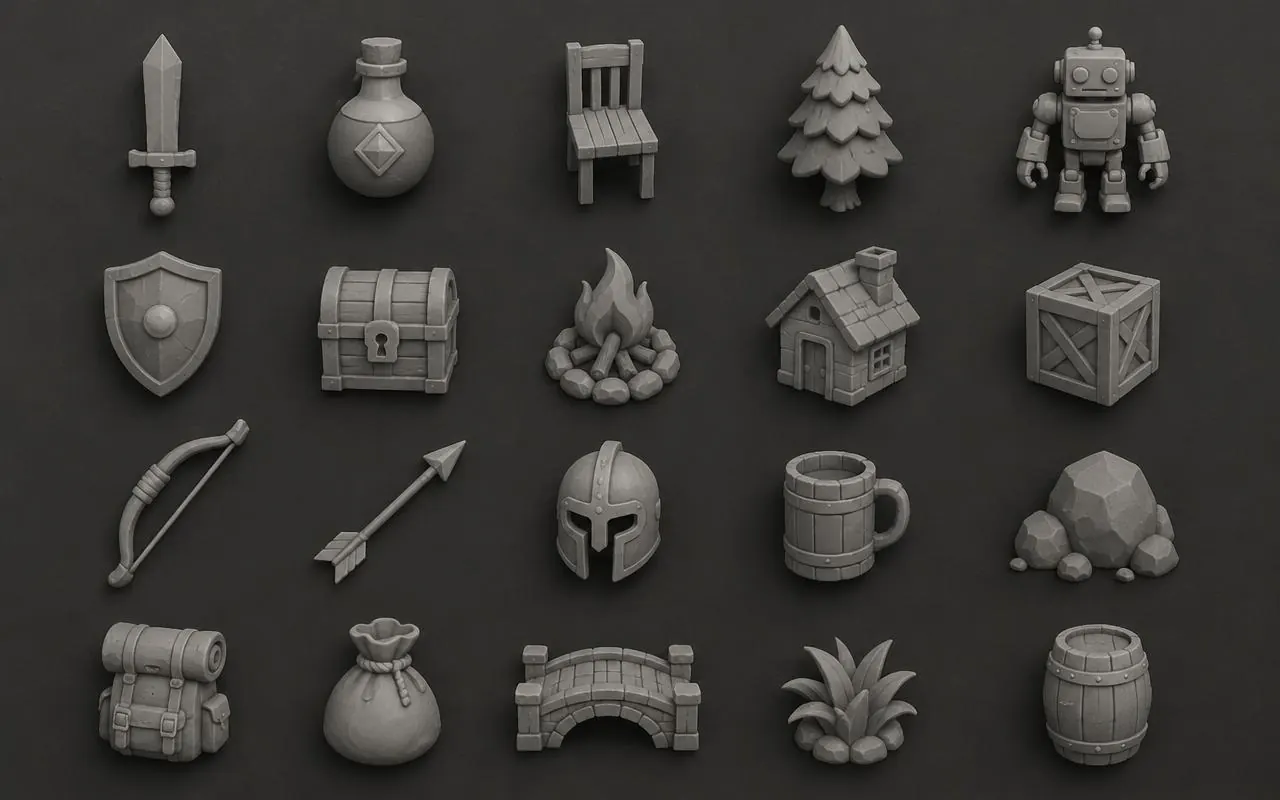
Forge builds models from simple shapes using built-in AI, then scores itself from four views and fixes what it sees.
- 1
Pick Forge on New asset
Choose Auto, Shapes or Blocks. Auto picks Blocks for creatures and characters.
- 2
Turn on painting
Optional base-colour textures and a matching normal map.
- 3
Refine again
Add a direction like 'thicker legs'. Forge keeps the new version only if it scores higher.
Forge your first asset
Try a generation free, no account needed.