Beginner · 5 min
Your first asset in 90 seconds
From a one-line prompt to a GLB in your engine.
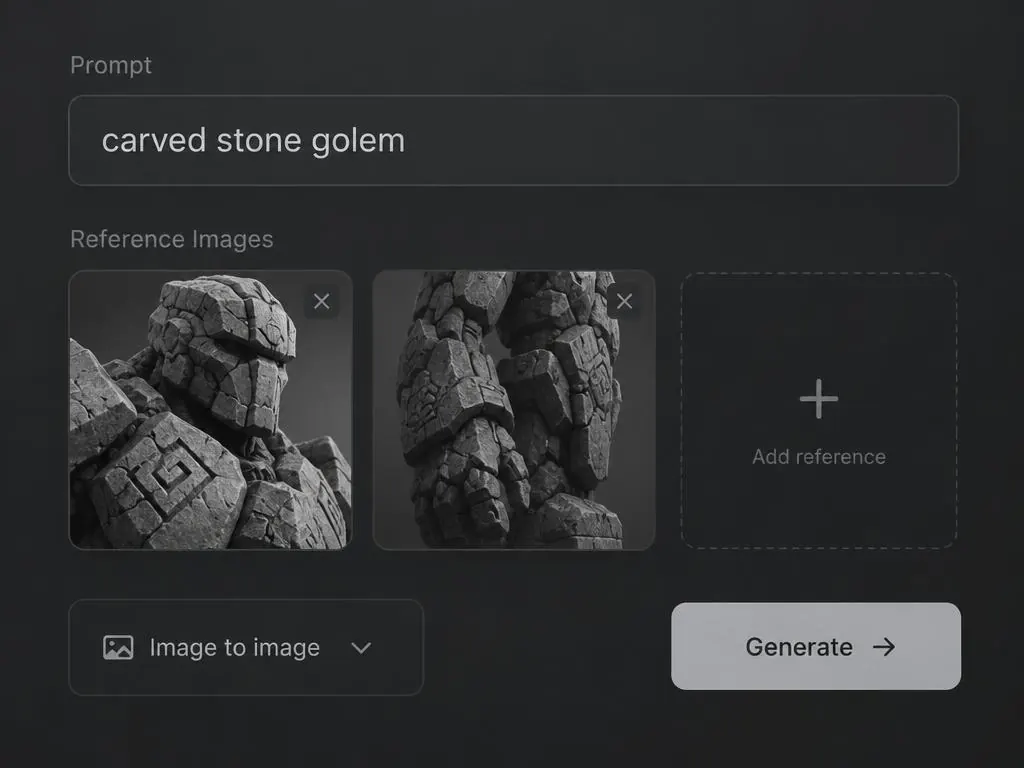
This guide takes you from an empty workspace to a downloaded, engine-ready mesh.
- 1
Open New asset
Sign in and choose New asset from the sidebar, or use the box on the home page as a guest.
- 2
Write a short prompt
Name the object, its material and its style: 'wooden treasure chest, iron bands, stylized'.
- 3
Pick an engine
Rodin 2.5 is a good default. Hunyuan Rapid is quicker; Forge makes blockouts.
- 4
Generate
Watch the job tray at the bottom. Most jobs finish in about 90 seconds.
- 5
Download
Open the asset, choose your engine's preset, and download.
Tip: keep prompts to one object. Scenes work better as several assets.
Forge your first asset
Try a generation free, no account needed.